Store, organize, and protect your important documents — offline, encrypted, and always on your phone. No cloud. No servers. No exceptions.
Baul is a private document vault that lives entirely on your phone, not in someone else's cloud. Keep IDs, vehicle papers, medical and financial records, contracts, and anything else worth protecting — organized into categories, searchable in seconds, and encrypted the moment they're saved.
Baul means "trunk" or "chest" in Filipino and Spanish — the sturdy box where a family keeps its most important things. That's exactly what the app is: a single, trusted place for the documents you can't afford to lose, built for offline use so it works the same whether you're at home or abroad.
A trunk doesn't sync, subscribe, or phone home — and neither should the place you keep what matters most. Baul is built on a bet that a vault can stay airtight without asking you to hand the key to anyone else.
Three commitments we won't trade away for convenience: your documents never leave the device they were added on, unlocking never needs more than your face or fingerprint, and every category — from a passport to a property deed — gets built-in expiry tracking so nothing lapses without warning.
The three ideas Baul leads with the moment you open it, before you've added a single document.
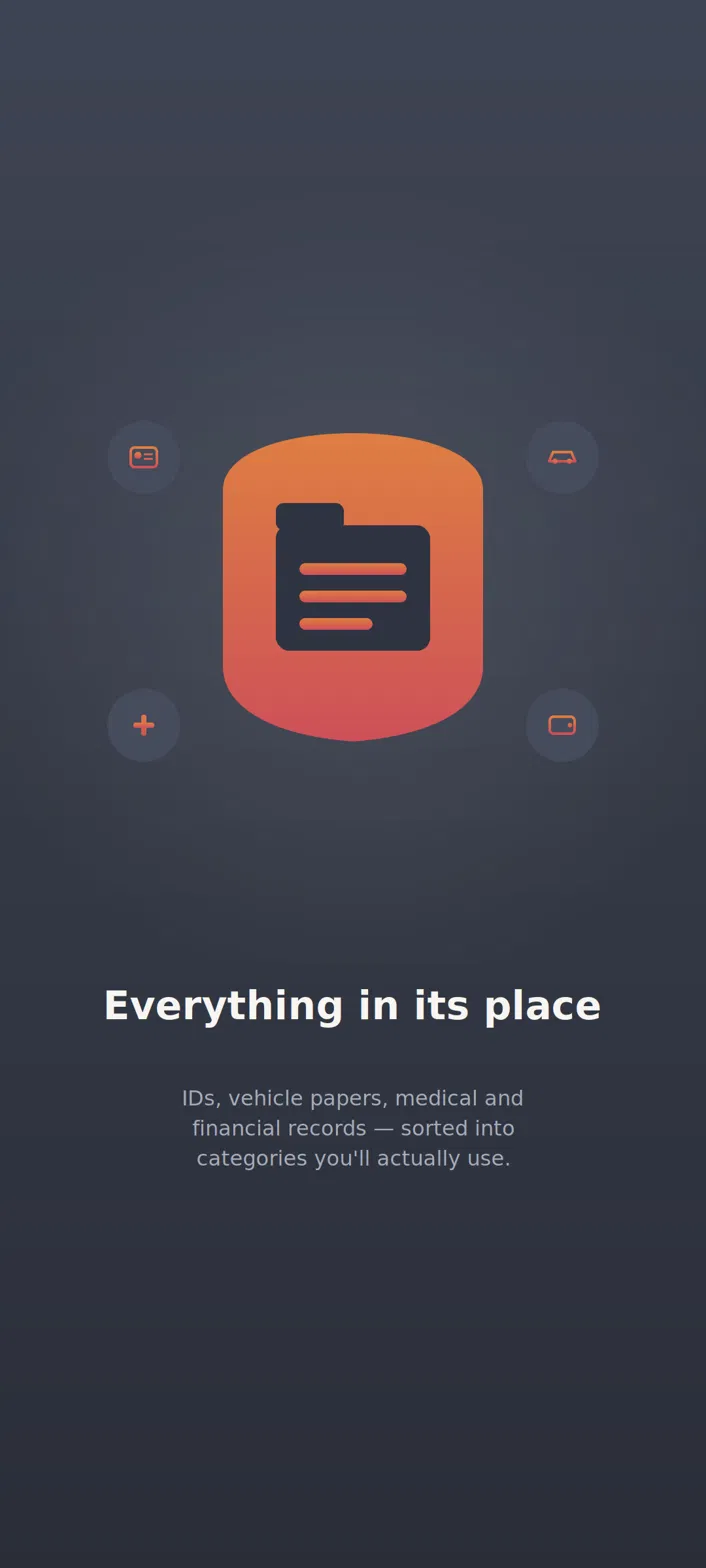
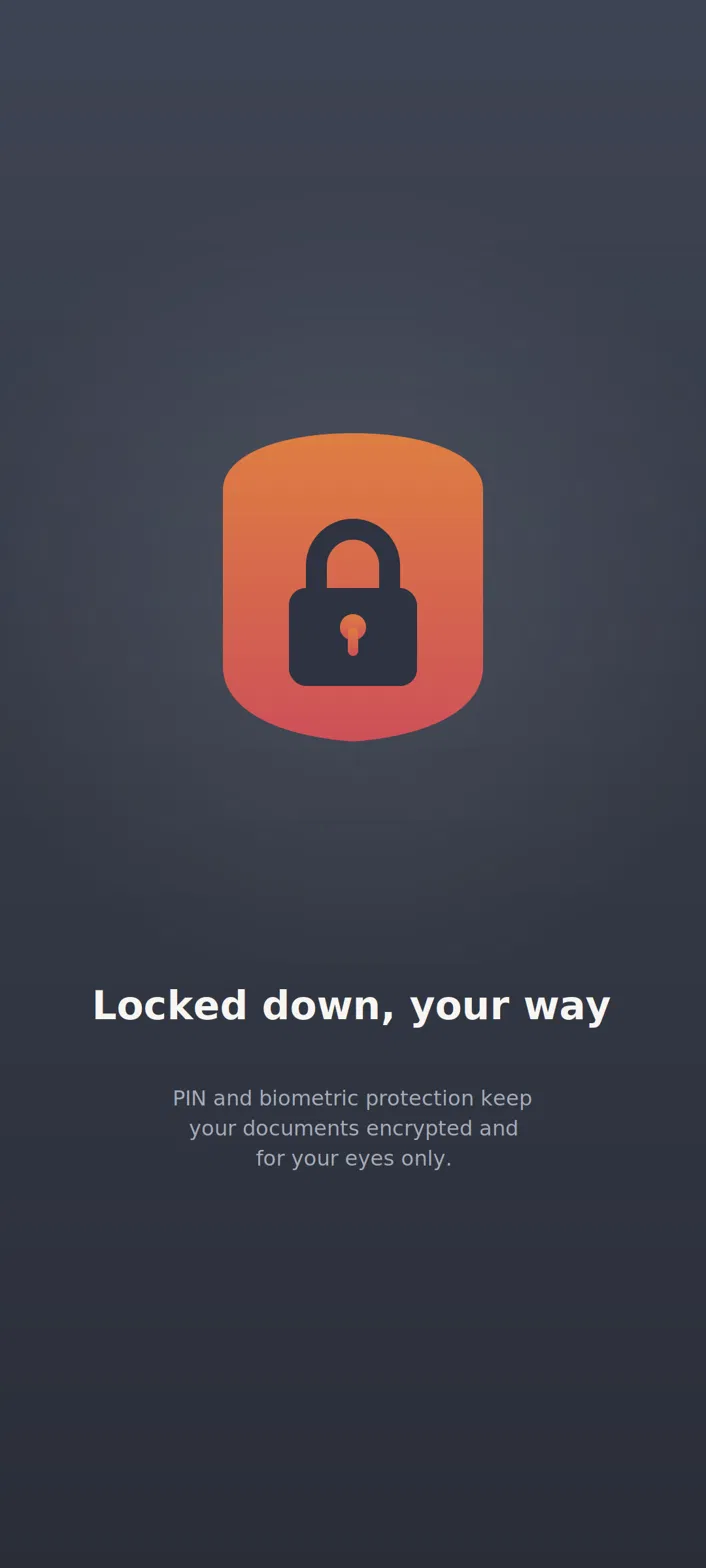
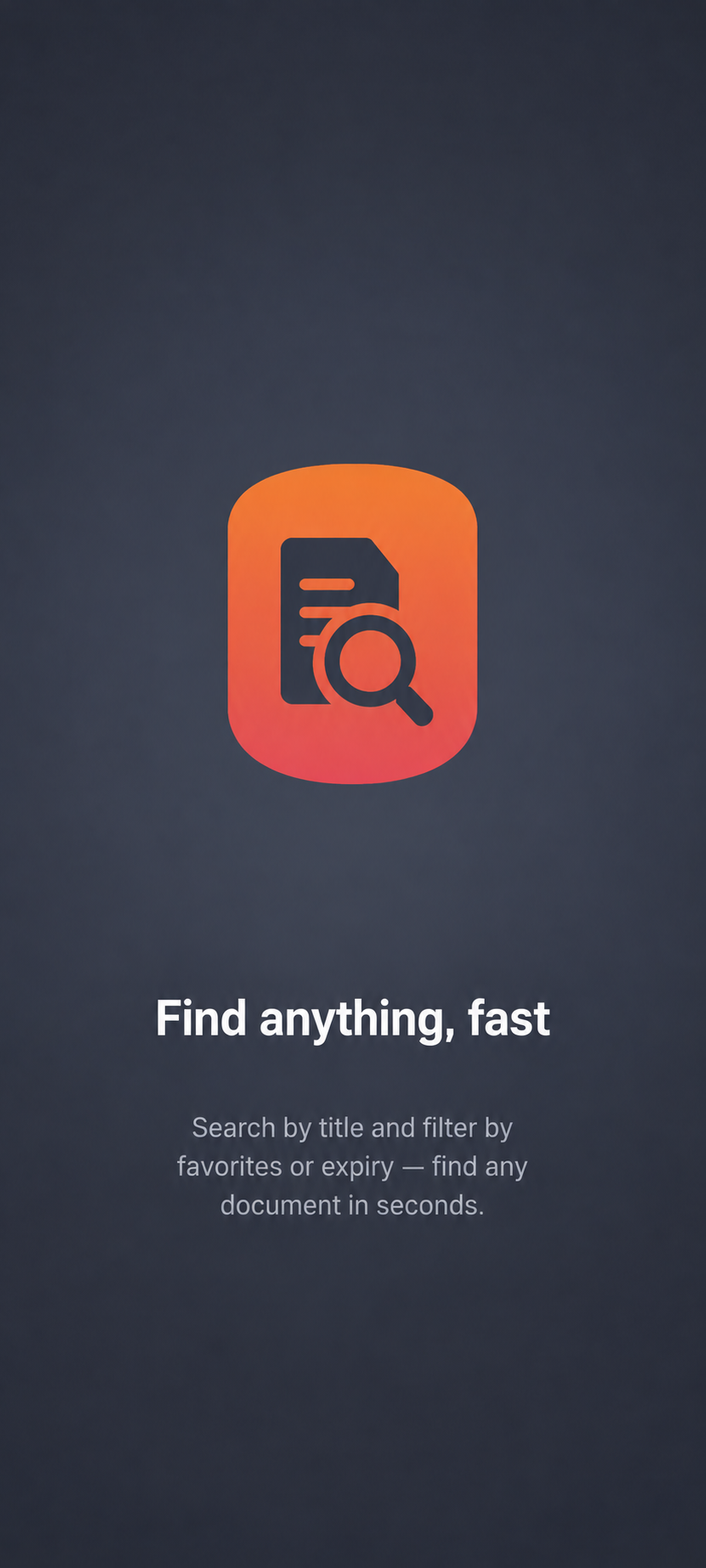
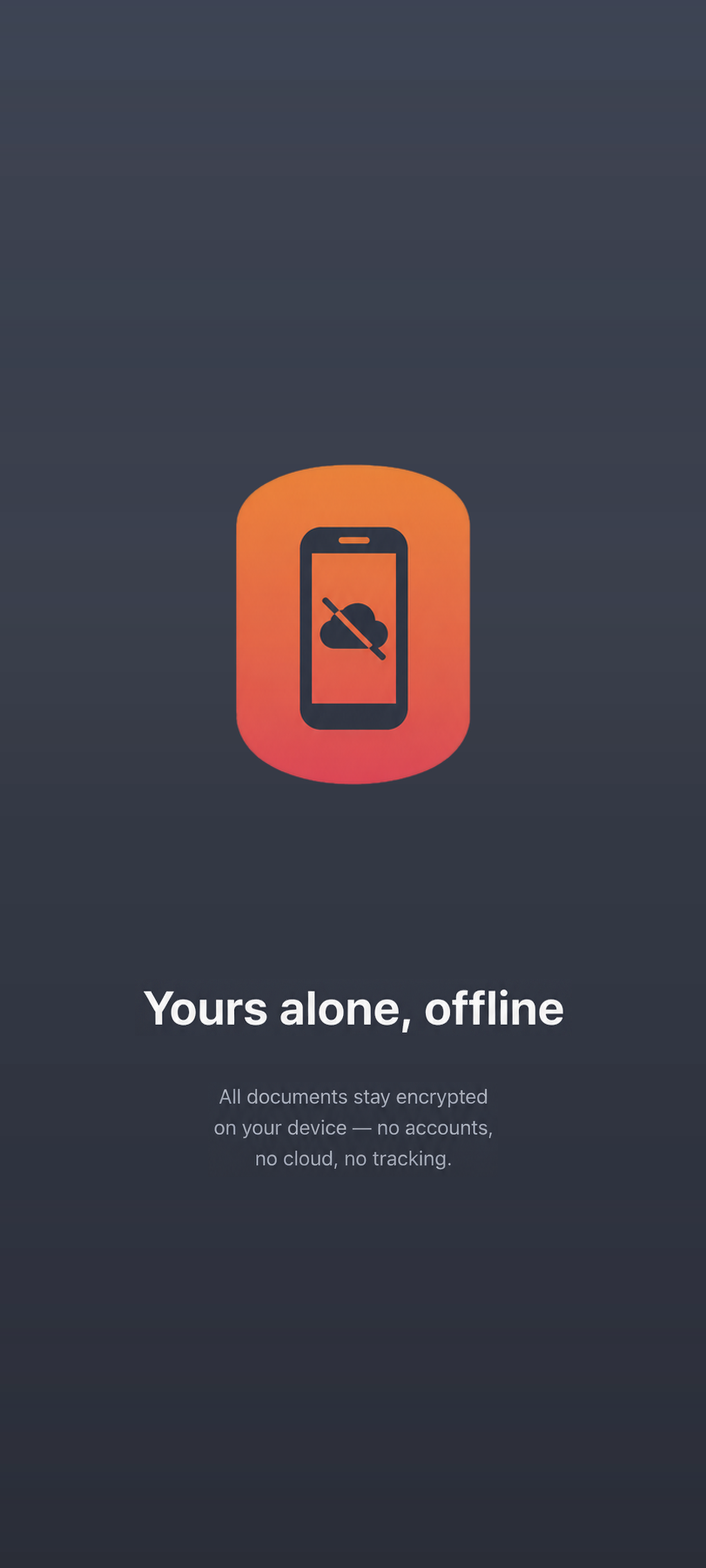
Not a mockup — this is the actual app, screen by screen. Tap any screen to see it up close, or use the arrows to browse.
Baul keeps your documents on your device and nowhere else — that's not a limitation, it's the whole design.
Baul never touches the internet. Every document stays on your phone, not on someone else's server.
Files are saved locally and encrypted at rest, so nothing ever leaves your hands.
Set an expiry date on any document and it surfaces under Expiring Soon before it lapses — passports, insurance, certifications, tracked without a spreadsheet.
Unlock your vault with your fingerprint or face. If it's not you, it doesn't open.
Snap a photo or import a file. Baul sorts it into your vault automatically.
Every file is locked with on-device encryption the moment it's saved. No upload step, because there's nowhere to upload it to.
Only your fingerprint or face opens the vault — not a password you can forget, lose, or have stolen.
Most apps back up your documents to a server somewhere. Baul doesn't have one. Your passport, contracts, and prescriptions are encrypted the moment they're saved, and stored only on your device — so there's nothing to breach, because there's nothing to reach.

No. Everything stays local to your device. Baul doesn't have a server to send your files to, even if it wanted to.
Anything worth safeguarding — IDs, contracts, prescriptions, certificates, insurance papers, and more.
With on-device AES-256 encryption and a biometric lock — your pin or fingerprint is the only key.
The same encryption standard banks and governments rely on to protect classified data — a 256-bit key with more possible combinations than there are atoms on Earth. It's applied to every document the instant you add it, before the file ever touches your phone's storage.
No. Baul works completely offline, from setup to everyday use.
Because there's no cloud to restore from, your documents live only on that device — the same trade-off as a physical safe. We'd rather say that plainly than hide it: if losing your only copy would be catastrophic, keep a second copy somewhere you control, too.
Your documents, always offline. Coming soon to iOS and Android.